Discover Build
Discover Build is the first item of the Build menu. How things are built on the platform: types and calendars, scripts, notebooks and workflows, the processes that run them, extensions, and promotion between environments.
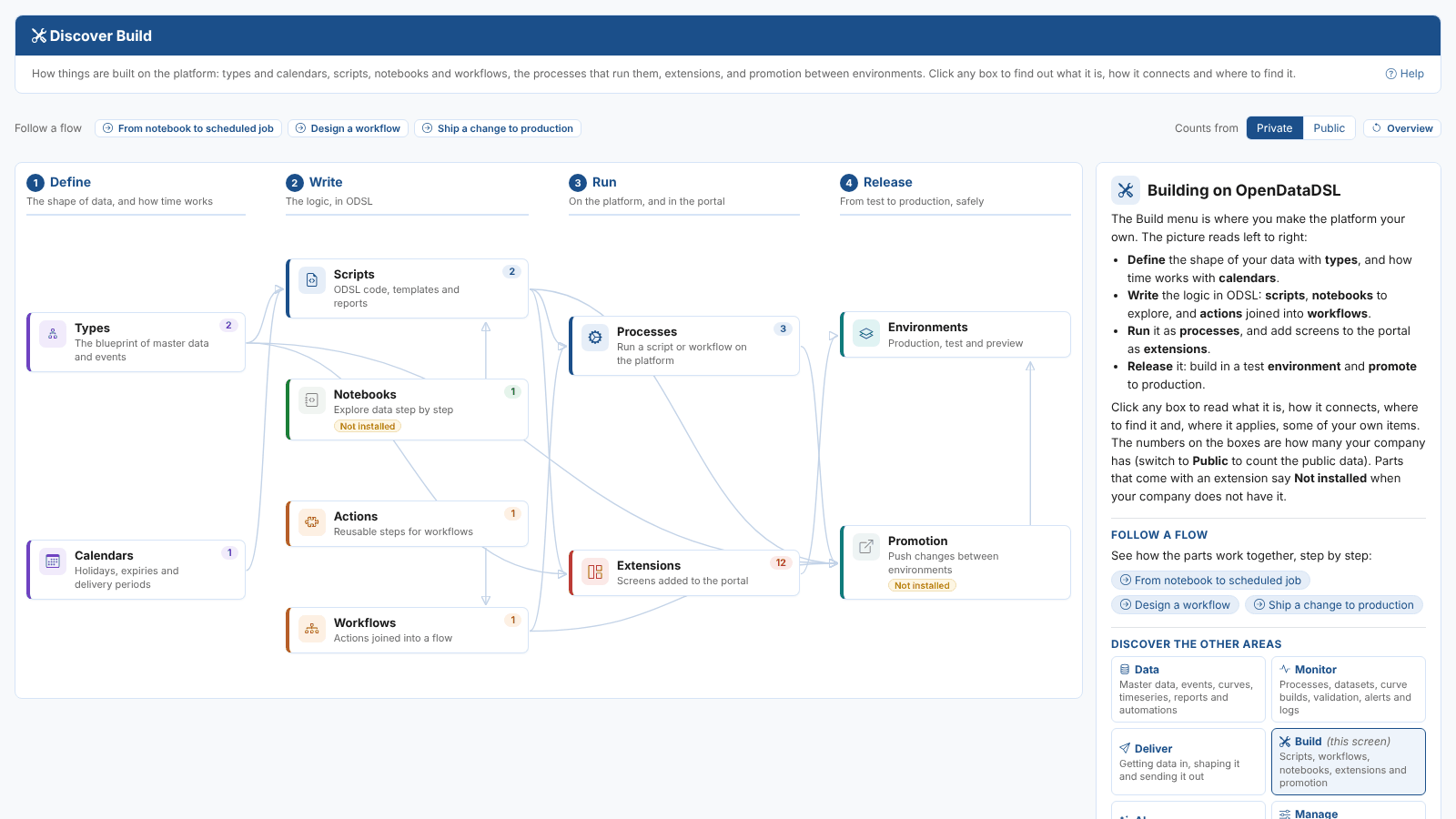
What is on the screen
1. Define
The shape of data, and how time works.
| Part | What it is | Comes with |
|---|---|---|
| Types | The blueprint of master data and events | The platform |
| Calendars | Holidays, expiries and delivery periods | The platform |
2. Write
The logic, in ODSL.
| Part | What it is | Comes with |
|---|---|---|
| Scripts | ODSL code, templates and reports | Script Manager |
| Notebooks | Explore data step by step | Notebooks |
| Actions | Reusable steps for workflows | The platform |
| Workflows | Actions joined into a flow | Workflow Manager |
3. Run
On the platform, and in the portal.
| Part | What it is | Comes with |
|---|---|---|
| Processes | Run a script or workflow on the platform | The platform |
| Extensions | Screens added to the portal | The platform |
4. Release
From test to production, safely.
| Part | What it is | Comes with |
|---|---|---|
| Environments | Production, test and preview | The platform |
| Promotion | Push changes between environments | Promotion |
Click any part to read about it: what it is, how it connects, key facts, where to find it and the guides to read. Parts that come with an extension your company does not have say Not installed.
Flows
| Flow | What it shows |
|---|---|
| From notebook to scheduled job | How an idea tried out in a notebook becomes a job that runs every day. |
| Design a workflow | How a multi-step job is put together without writing it all as one script. |
| Ship a change to production | How a change is built and tested away from live data, then released. |
Read more
- How extensions work
- Workflows and processes
- The other Discover screens: Discover Data, Discover Monitor, Discover Deliver, Discover AI, Discover Manage