Extensions
Extensions add screens to the OpenDataDSL portal and Excel add-in for a particular job: building compositions, checking data quality, exporting data, managing scripts, promoting changes between environments and more. Each one has its own menu item, tabs and insight reports, and works with your own access rights.
Pick an extension below to see what it does and how to use it, step by step.
Aggregator
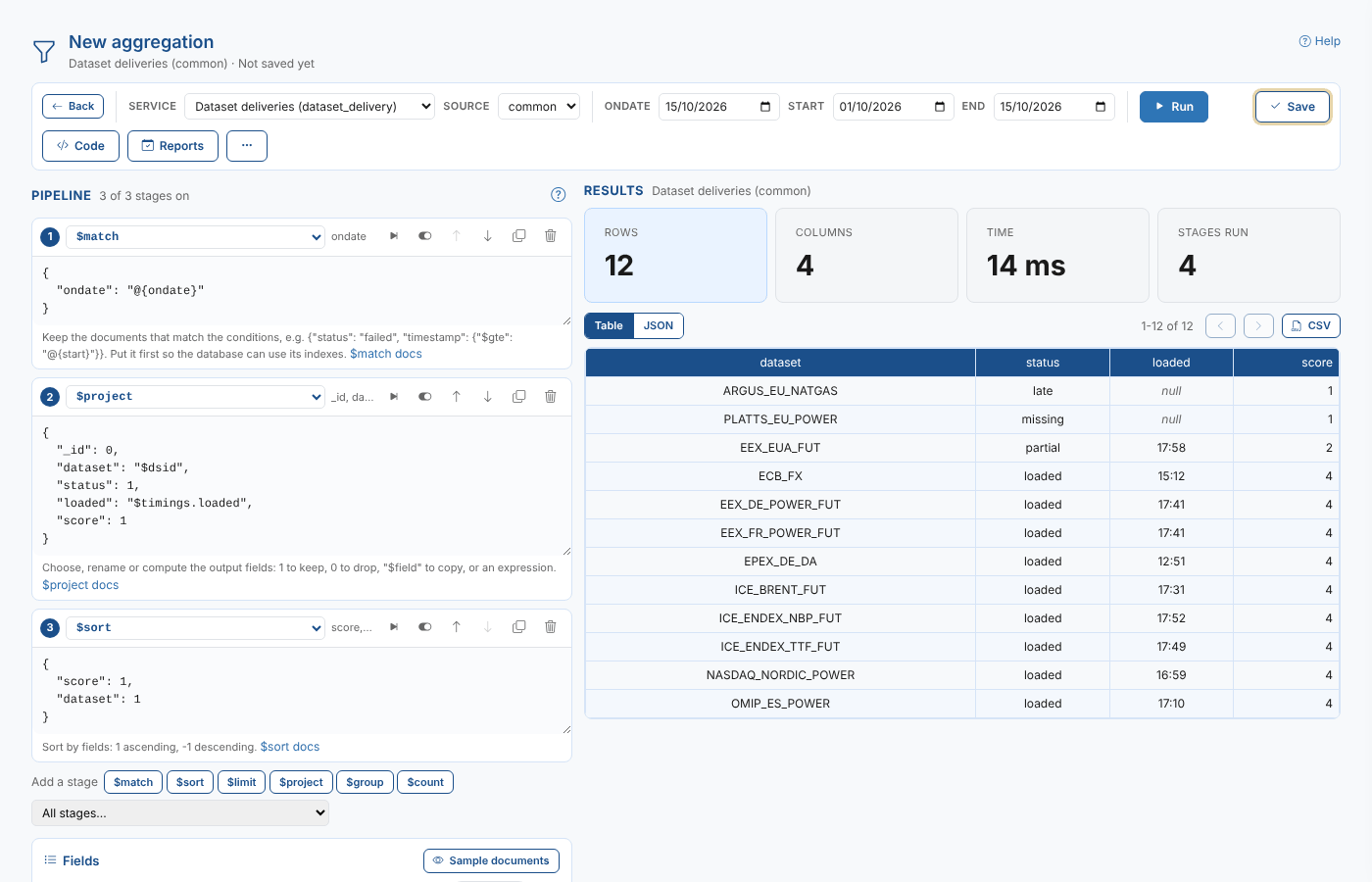
Summarise the data in any platform service with an aggregation pipeline, save it as an ODSL script, and run it as a scheduled, house-style report that is emailed each time it is stored.
Read the guide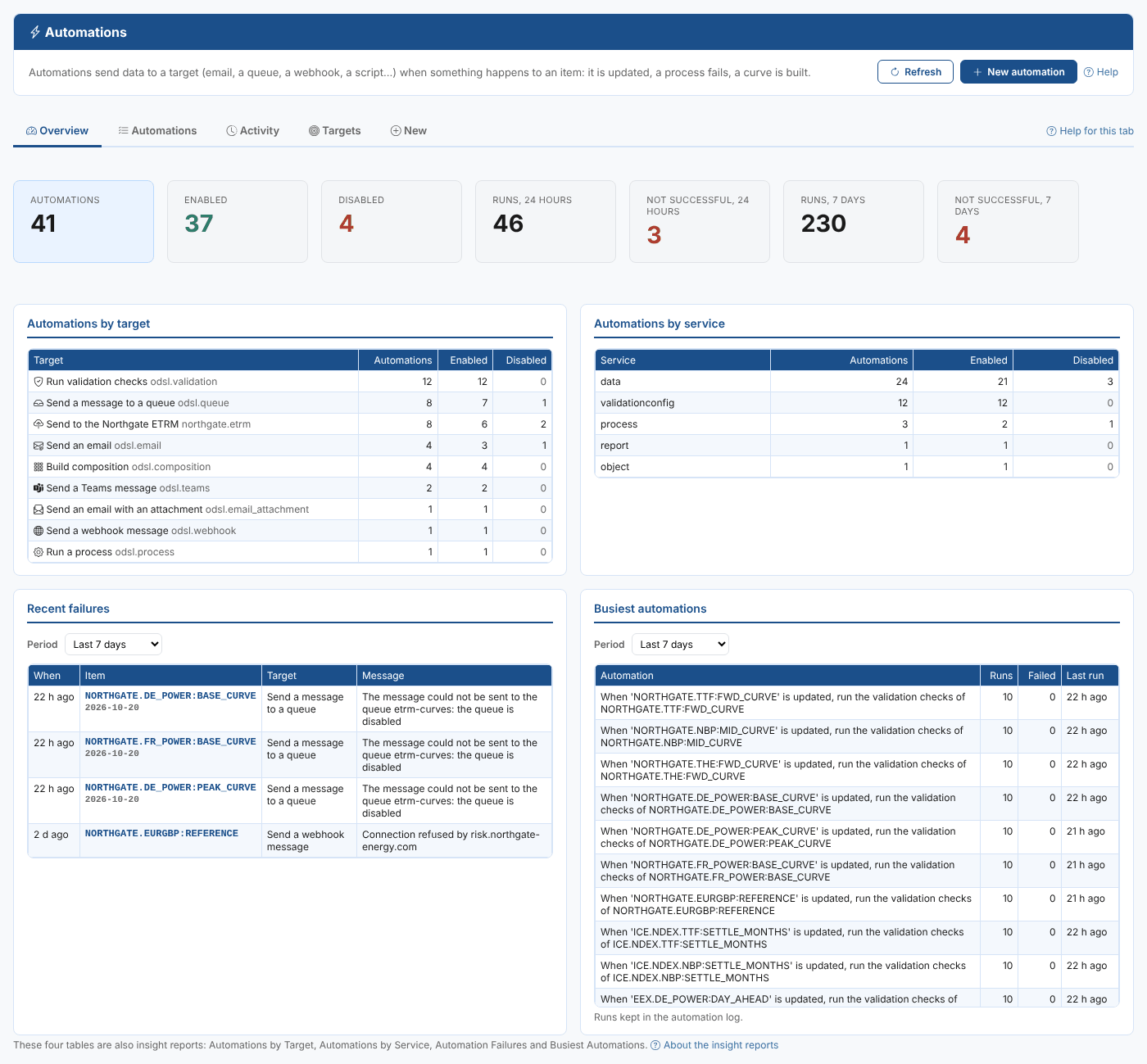
Automations
See every automation your company has in one place, find out which ones are failing, switch them on and off, change and test them, and create new ones for any item.
Read the guide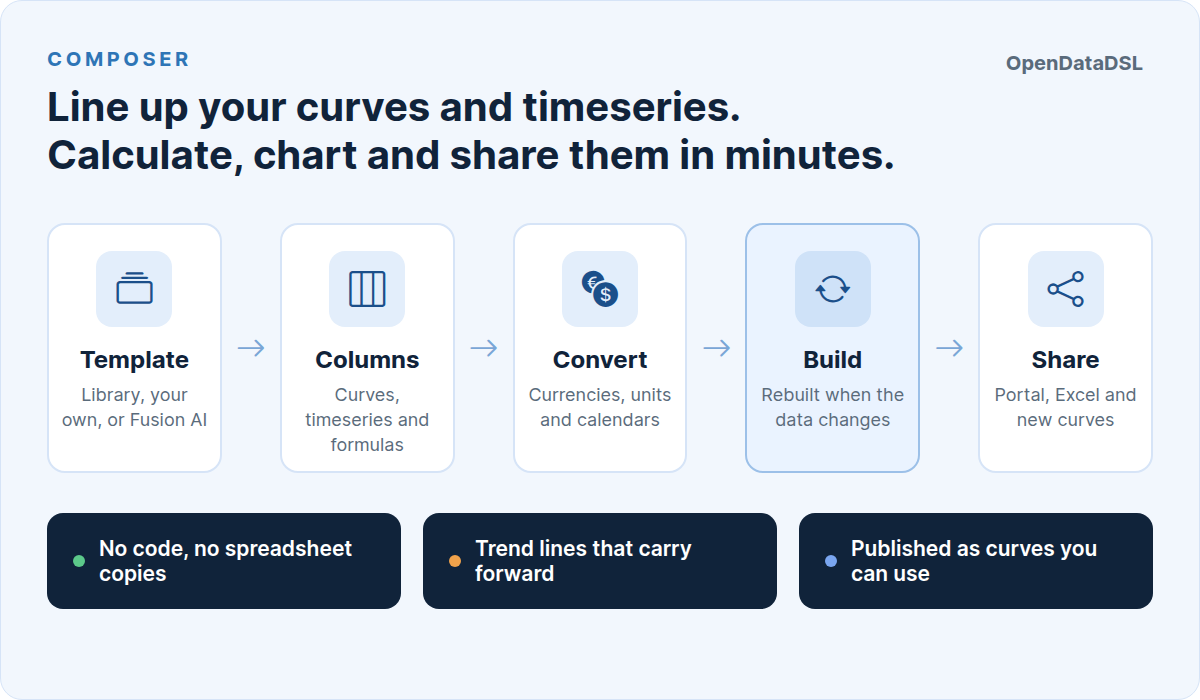
Composer
Build your own analytic worksheets of curves and timeseries, called compositions, from ready-made templates or from scratch, and use them in the portal, in Excel, as curves and in automations.
Read the guide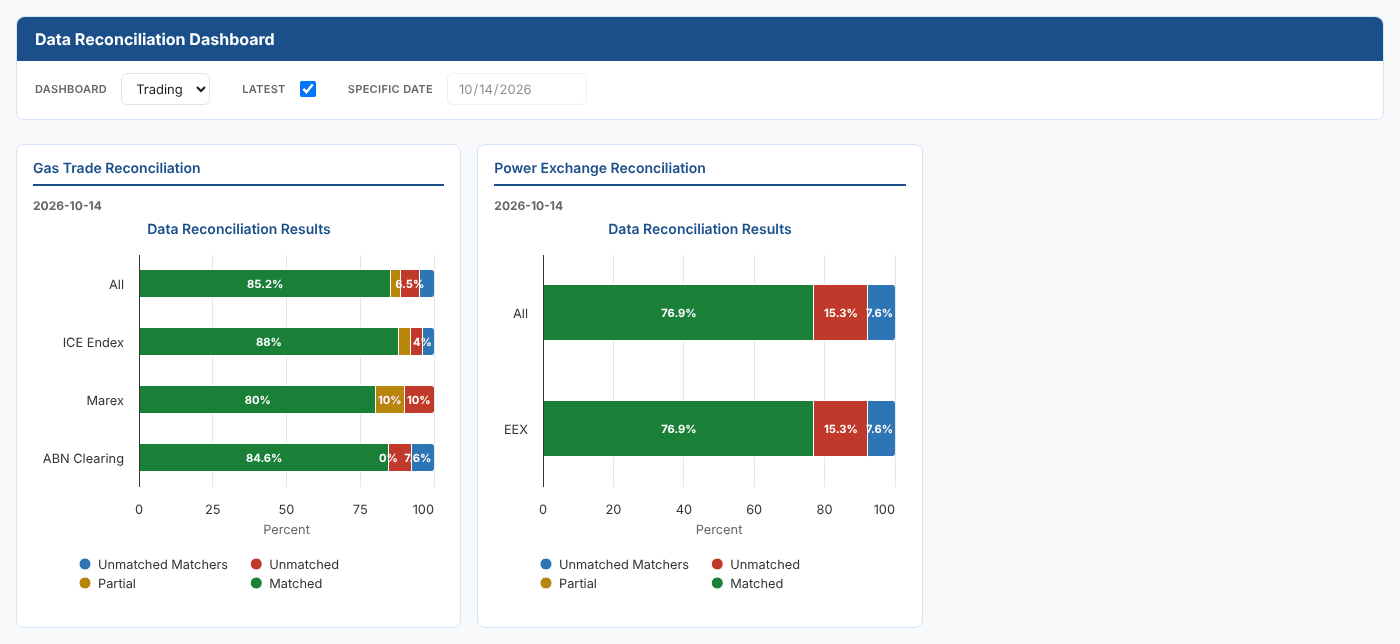
Data Reconciliation
Reconcile the trades in your ETRM system with the trade records of exchanges, brokers and clearing banks, see the breaks on a dashboard and resolve them.
Read the guide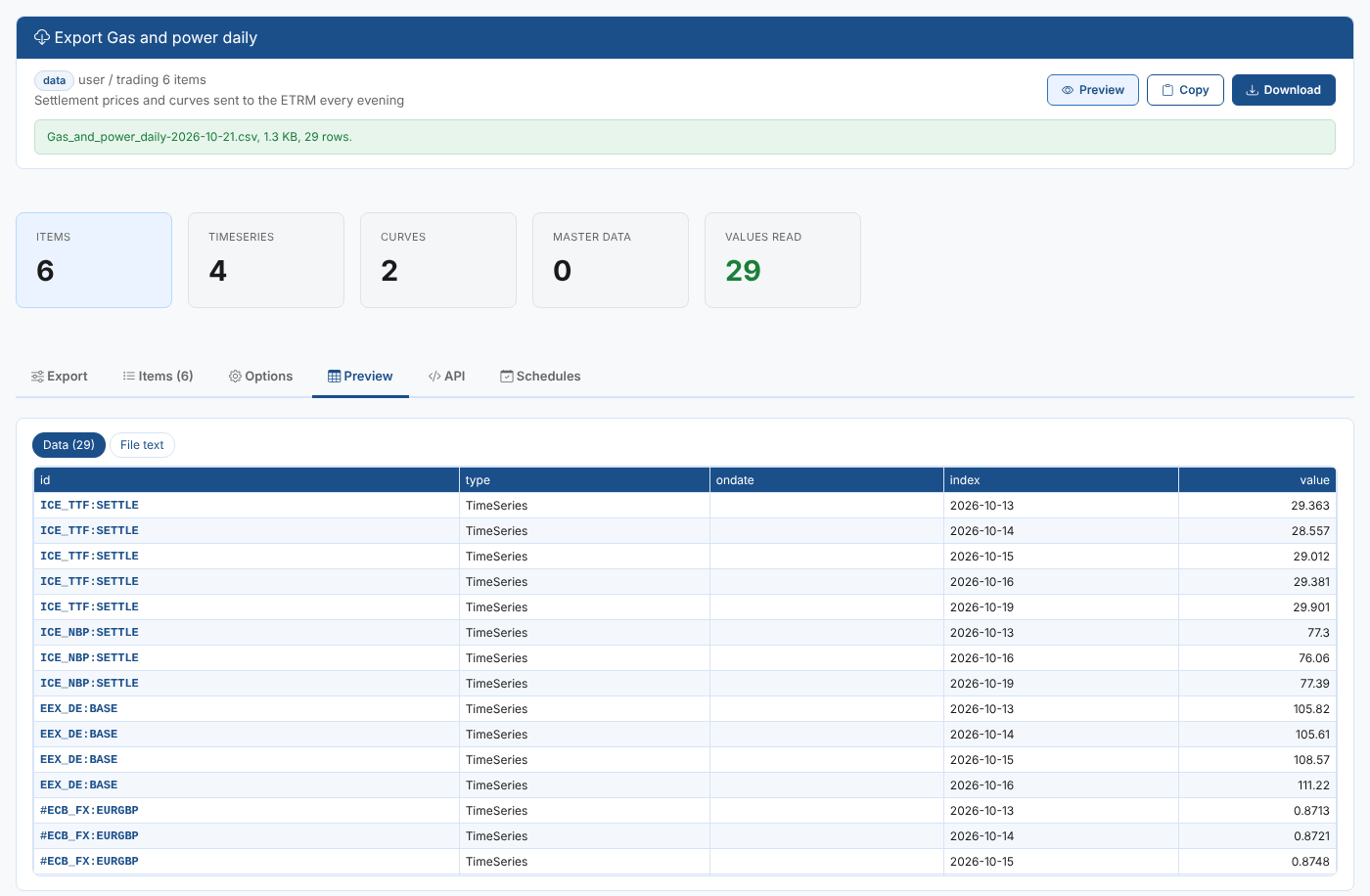
Export
Export timeseries, curves and master data in the format another system needs, straight away or on a schedule that handles missing data and delivers each export by email, queue, webhook or any other automation target.
Read the guide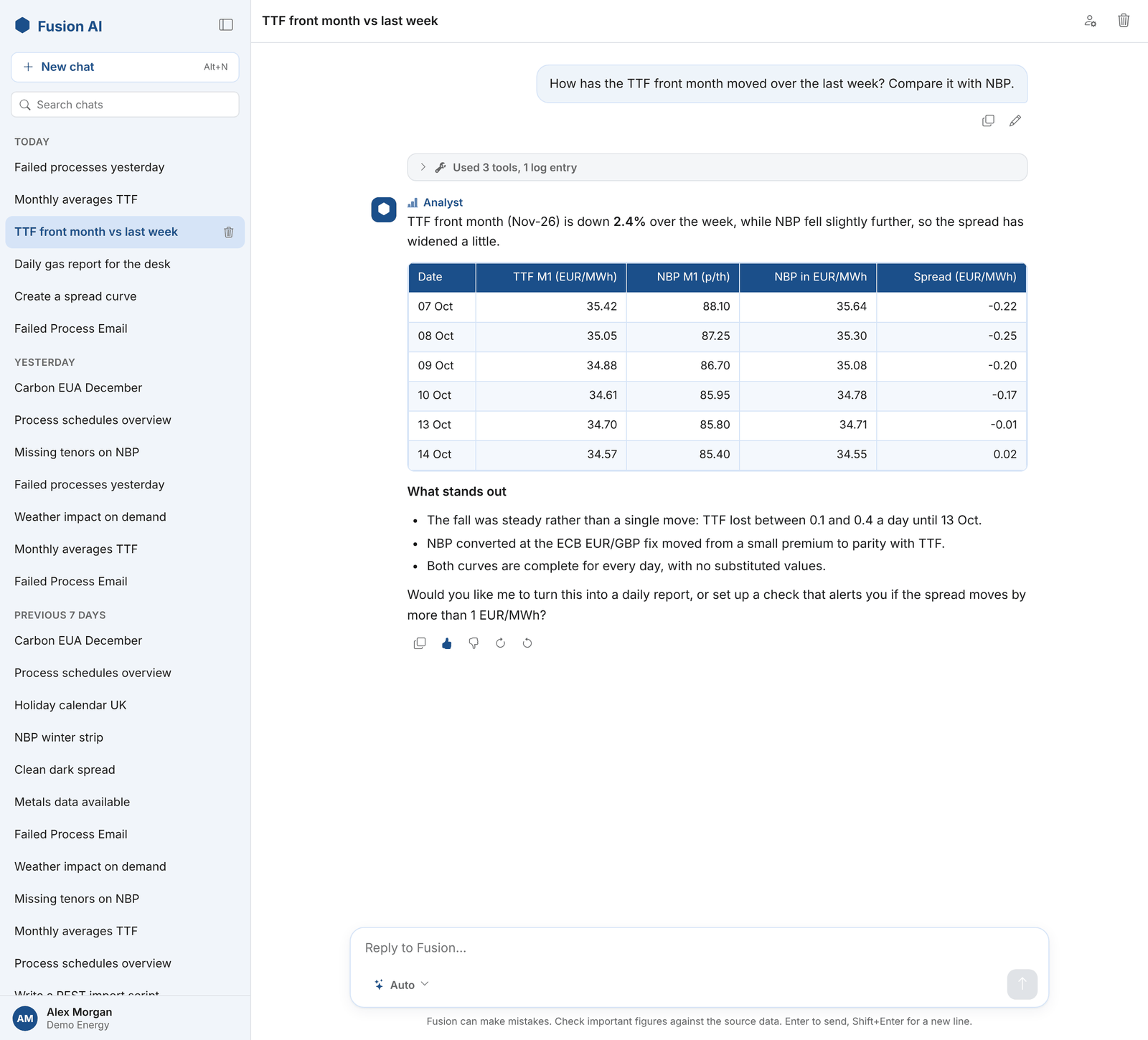
Fusion AI
Fusion AI, the OpenDataDSL AI assistant: chat with your platform data in Studio, configure assistants, agents and custom tools, run governed playbooks as tasks, and follow usage, feedback and billing in the insights.
Read the guide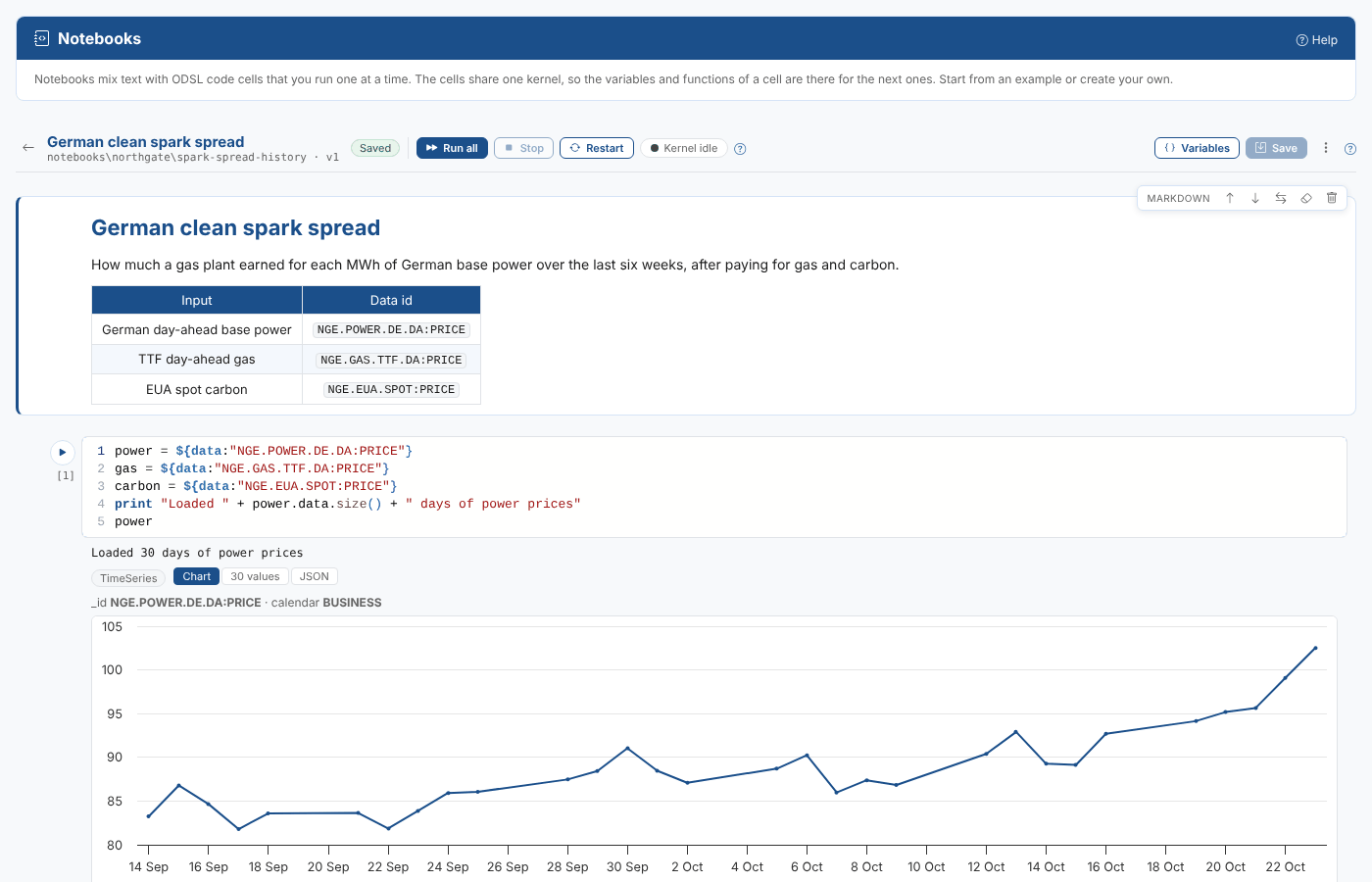
Notebooks
Work with ODSL the way you would in a Python notebook: text and code cells that you run one at a time, with the values shown as tables and charts, and example notebooks to start from.
Read the guide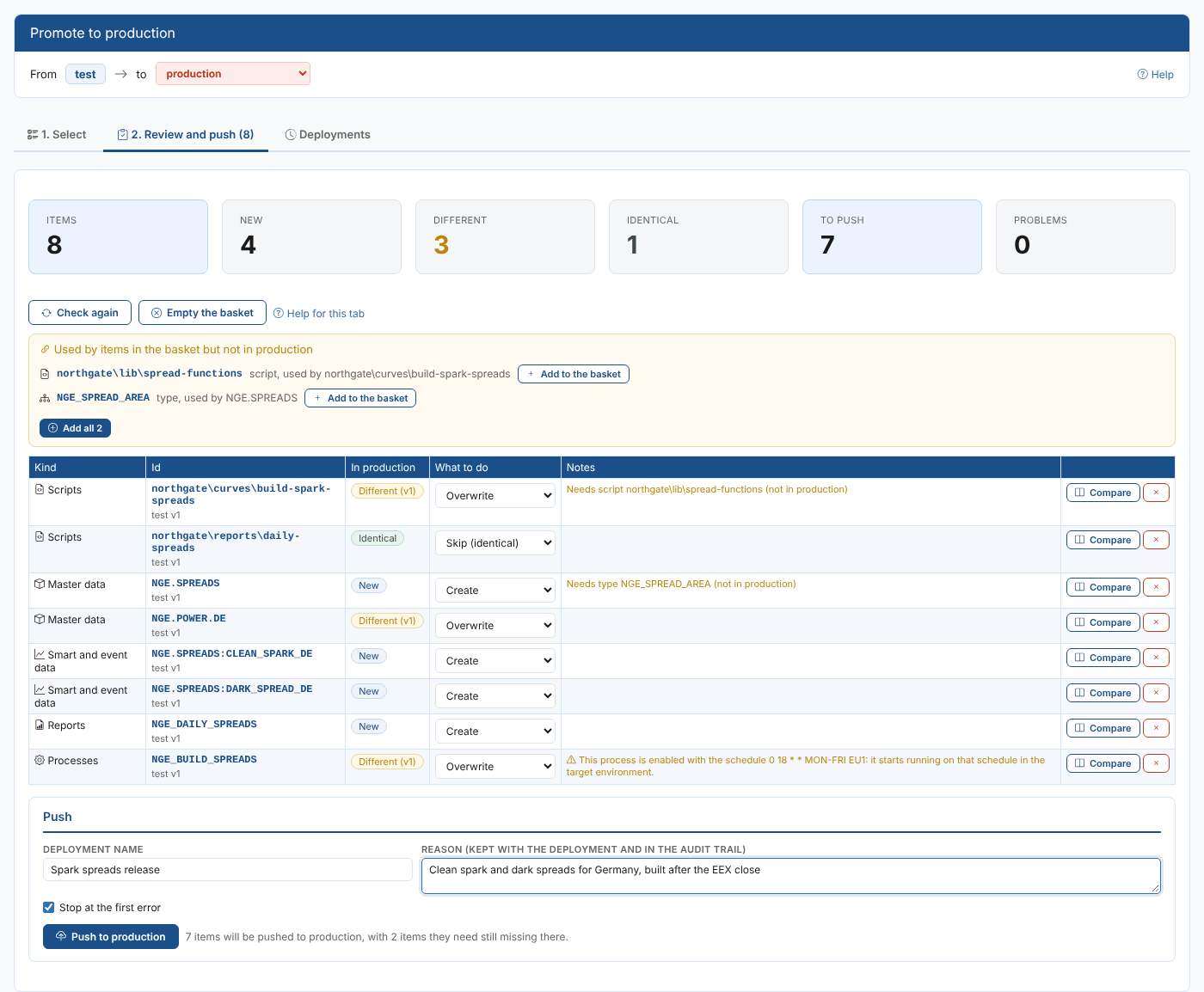
Promotion
Promote master data, smart data, types, calendars, scripts, reports, processes and other items from a test environment to production, see what changes before you push, and undo a deployment to put production back as it was.
Read the guide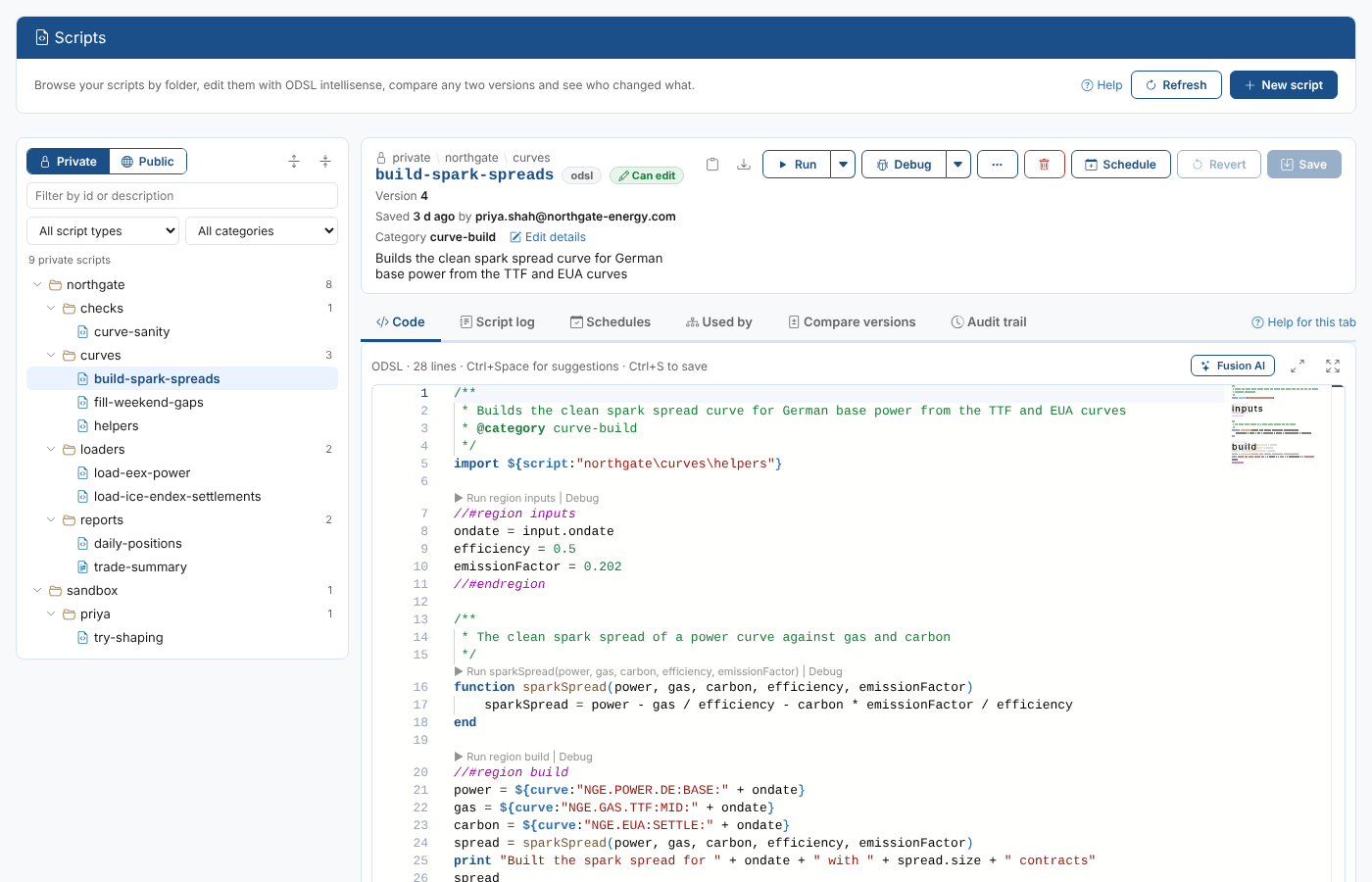
Script Manager
Browse your ODSL scripts and templates by folder, edit them with intellisense, run them, schedule them, write them with Fusion AI, compare versions and see who changed what and why.
Read the guide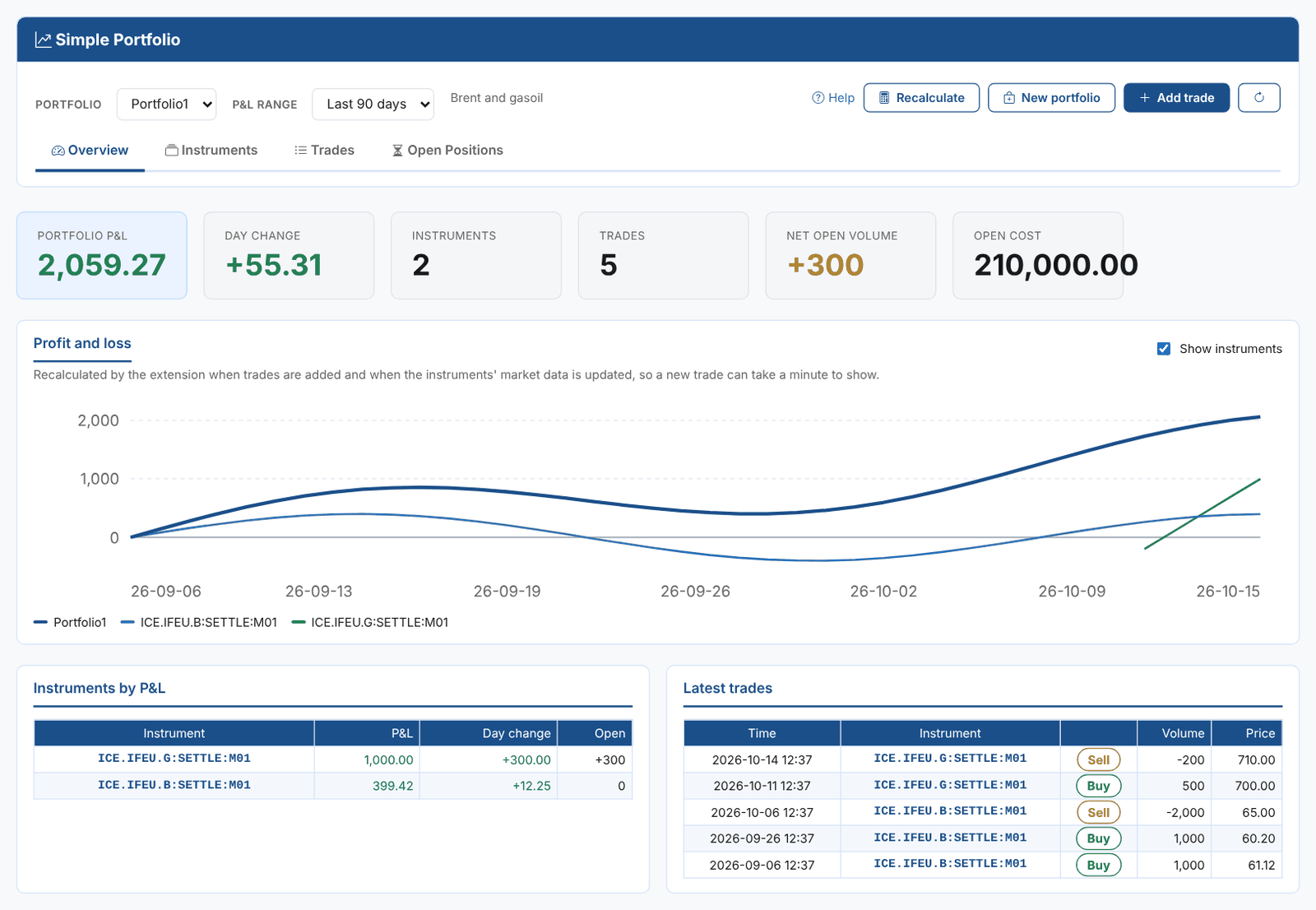
Simple Portfolio
Group the instruments you trade into portfolios, record trades against them and follow each portfolio's profit and loss and open positions, kept up to date by automations.
Read the guide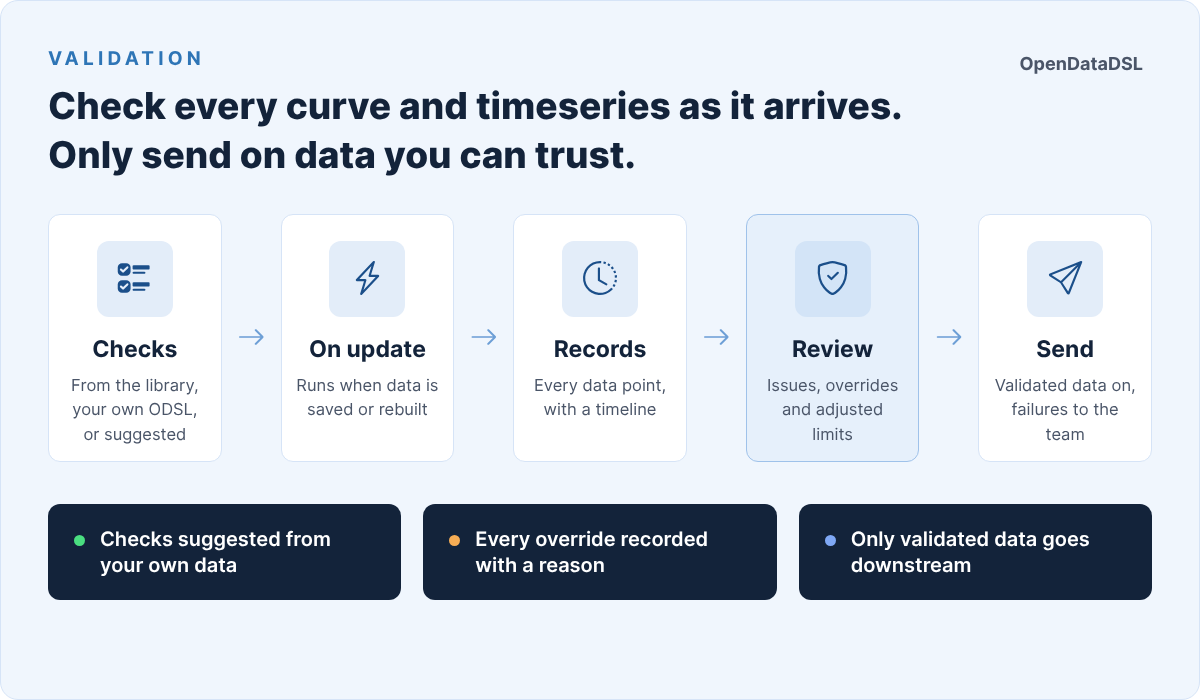
Validation
Check your curves and timeseries with validation checks written in ODSL, keep a record of every result, review and override failures, and follow data quality on a dashboard.
Read the guideBuild your own
The extensions above are built in exactly the same way as the ones you can build yourself, with a Fusion AI playbook or by hand. See How extensions work to get started.