Health checks
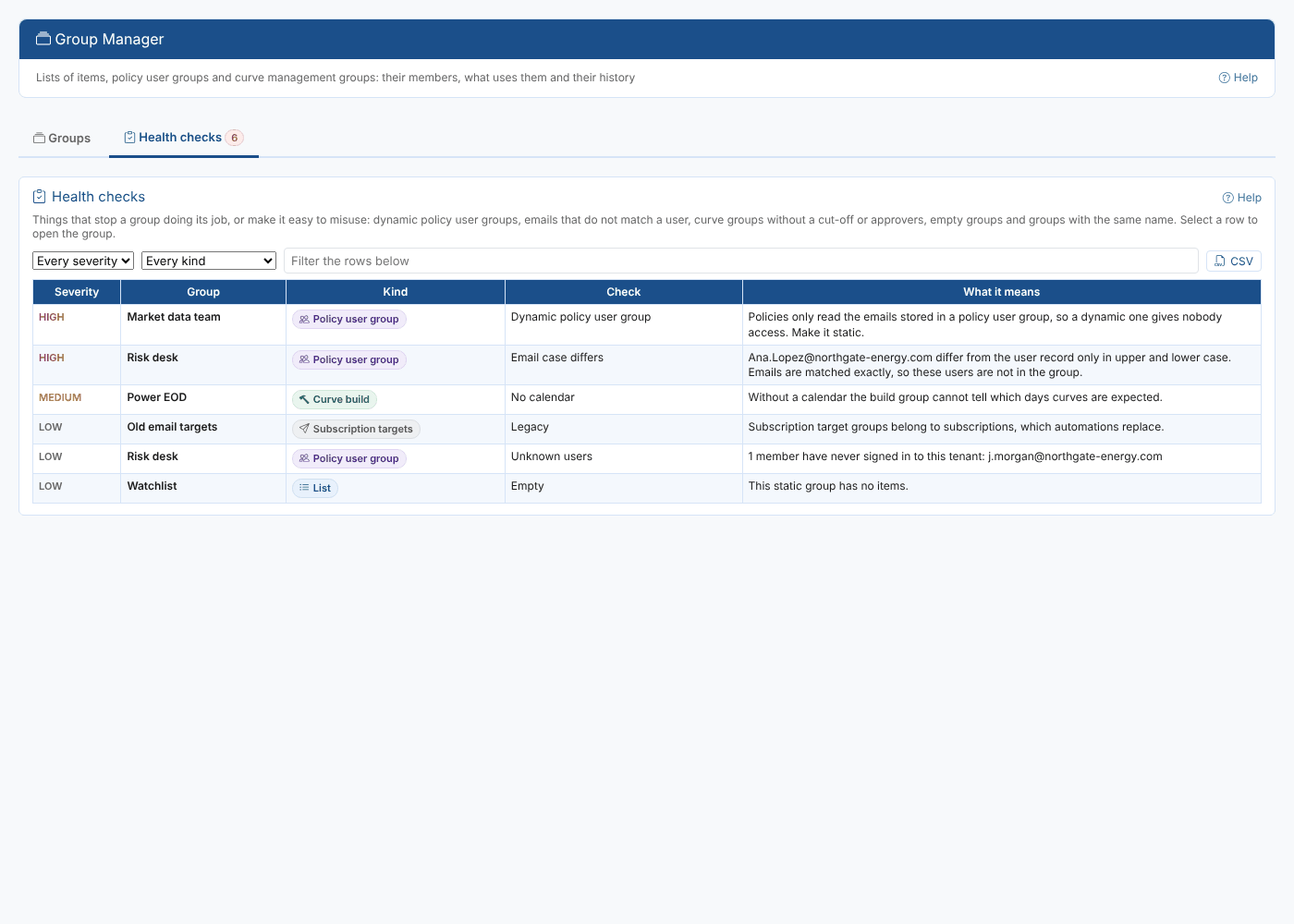
The Health checks tab of Group Manager lists problems that stop a group doing its job or make it easy to misuse, most serious first. The count on the tab shows how many there are. Filter by severity and kind, download a CSV, and select a row to open the group.
The checks
| Severity | Check | Kind | What to do |
|---|---|---|---|
| High | Dynamic policy user group | Policy | Make it static: policies read only the stored emails |
| High | Not an email | Policy | Members of a policy user group must be emails |
| High | Email case differs | Policy | Correct the email to match the user exactly |
| High | No cut-off | Curve build | Set the cut-off (cron) |
| High | Nothing to run | Curve export | Set the script and expression |
| High | No approvers | Curve approval | Add at least one approver |
| Medium | Not shared, Empty | Policy | Share it; add members or delete it |
| Medium | No calendar | Curve build | Set the calendar the curves are expected on |
| Medium | No checks | Quality | Add checks |
| Medium | No rule | List | A dynamic group without a rule holds every item of its service |
| Medium | Unknown approvers | Curve approval | Approvers that do not match a user exactly |
| Medium | Same name | Any | Groups that differ only in upper and lower case |
| Low | Unknown users | Policy | Emails of people who have never signed in to the tenant |
| Low | Empty, Disabled, Legacy | List, export, targets | Worth a look, not necessarily wrong |
The Groups insight
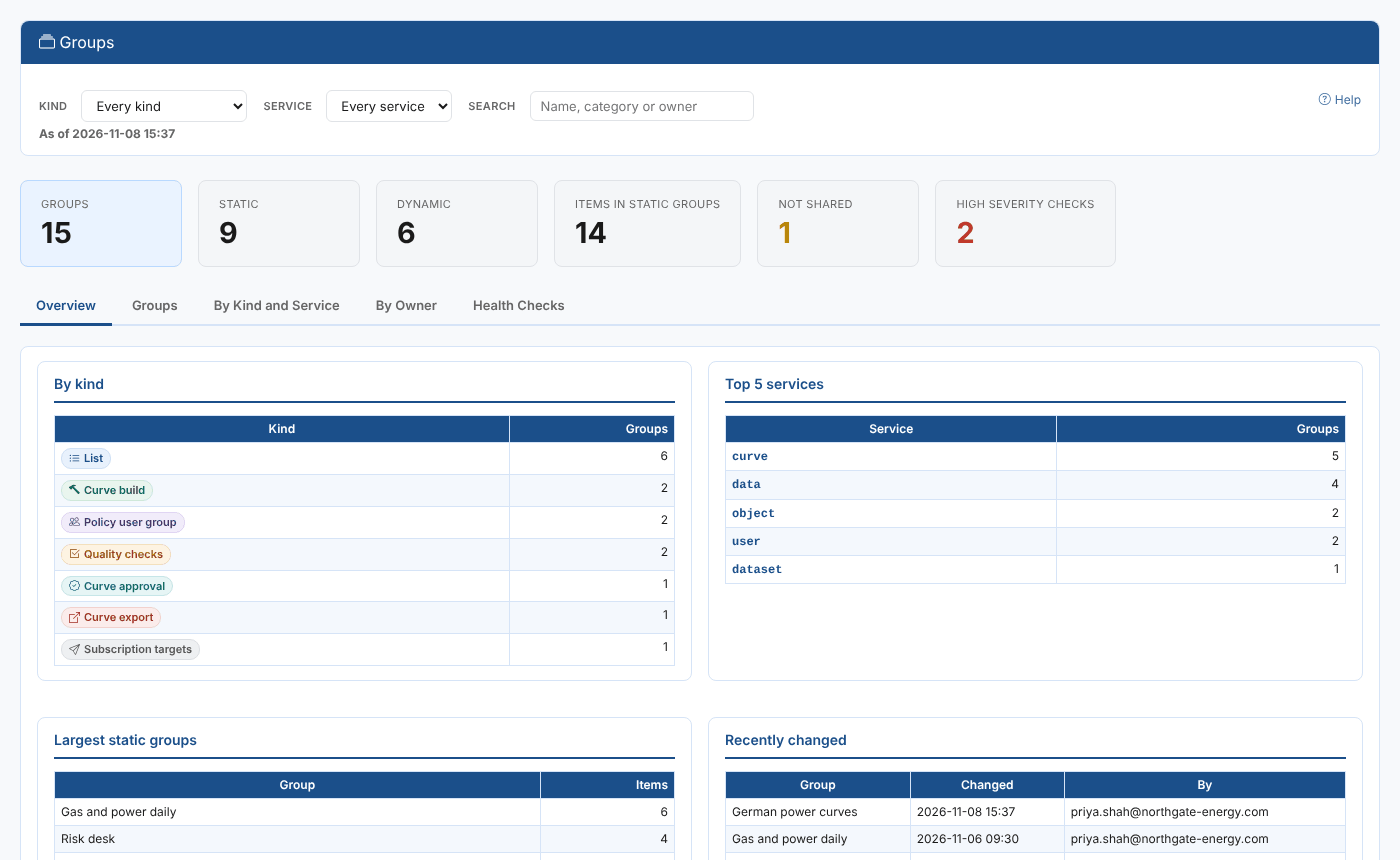
The Groups insight shows every group you can see, to read or share: an Overview with the groups by kind, the top services, the largest static groups and the most recently changed, a paged list with a CSV, the groups by kind and service, by owner, and the health checks.