Finding event lists
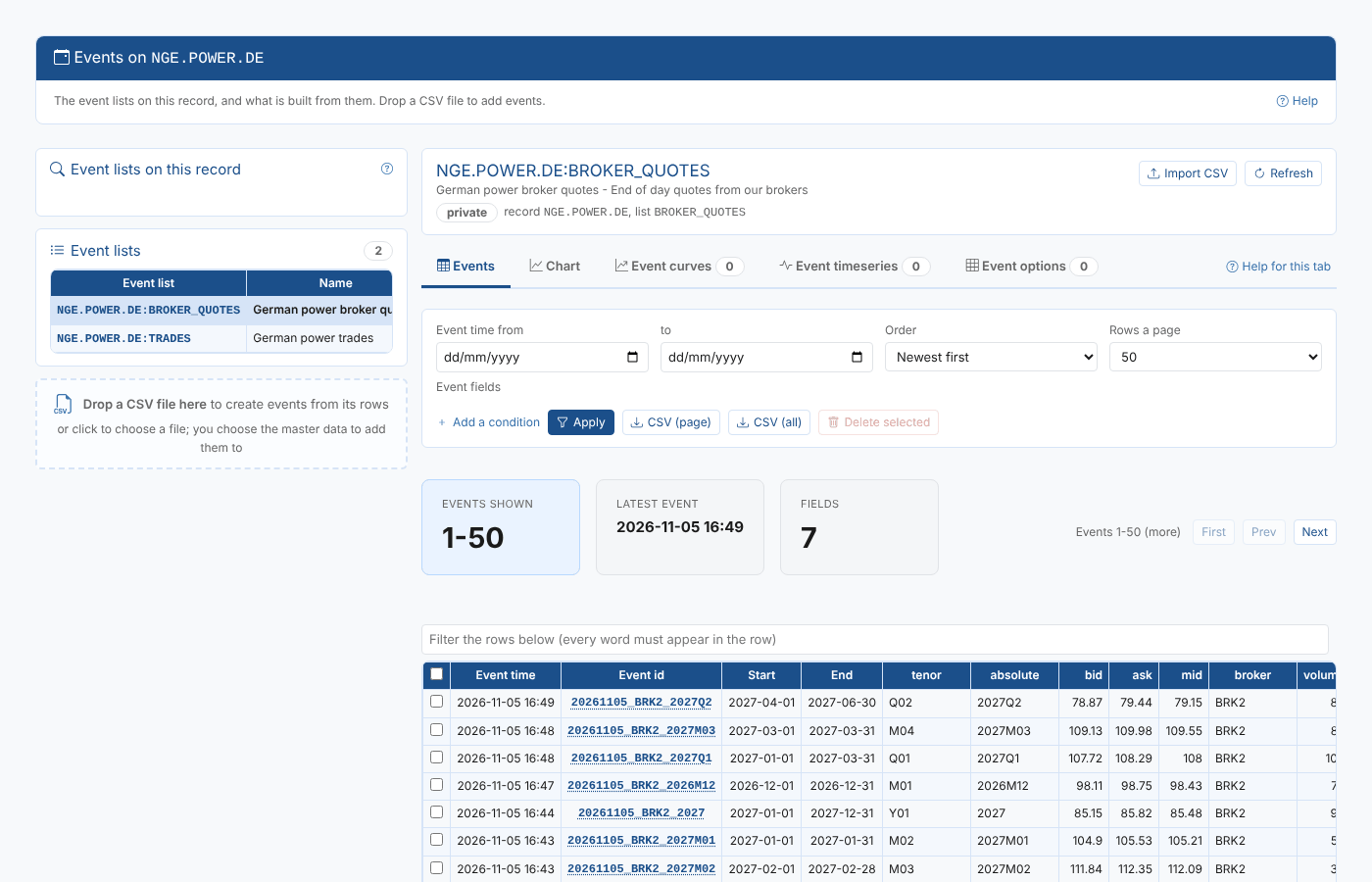
Open Event Data from the Information menu. The Find event lists card on the left finds lists in two ways: through the master data records that hold them, or through the events themselves. Select a list in Event lists to open it on the right.
Where the events are
Where chooses which lists to look at:
| Where | Lists shown |
|---|---|
| Private | Every event list on your private master data, whatever source its events are in. A private list can hold your own events, or point at common or public events. |
| Common | The lists, on your private or public master data, whose events are in common: the licensed data loaded by OpenDataDSL, such as ICE and EEX. |
| Public | Every event list on public master data (ids that start with #). |
Master data records and event lists are only ever kept in private or public data. Only the events can also be in common. When a list's events are in another source than its record, the results say so under its id, for example common events, and the list's source badge shows where its events are read from.
You only see the common events your company is licensed for. A list of common events you are not licensed for opens with no events.
Finding lists by master data
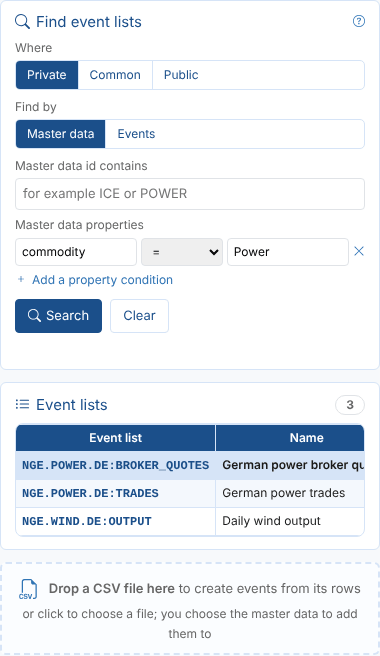
With Find by set to Master data, the search looks for master data records and lists their event lists.
| Field | What it does |
|---|---|
| Master data id contains | Text anywhere in the record id, any case. POWER finds NGE.POWER.DE. |
| Master data properties | Conditions on the record's properties. Select Add a property condition for each one: a property name, an operator and a value. |
| Search | Runs the search (or press Enter in any field). Clear empties the fields. |
Priya wants every list held on power records, so she adds the condition commodity = Power. The search finds the broker quotes and trades on NGE.POWER.DE and the wind output on NGE.WIND.DE.
The operators are the same everywhere in the extension:
| Operator | Matches |
|---|---|
| = and != | The value, as a number or as text: 15 matches both 15 and "15". |
| contains and starts with | Text, any case. |
| in (a, b) | Any of a comma separated list of values. |
>, >=, <, <= | Numbers, or text and dates in order. |
| is set and is not set | Whether the property has a value at all. |
The results come 50 at a time; Prev and Next page through them. When there are more than a few, a box above the table filters the rows shown by any text in them.
Finding lists by their events
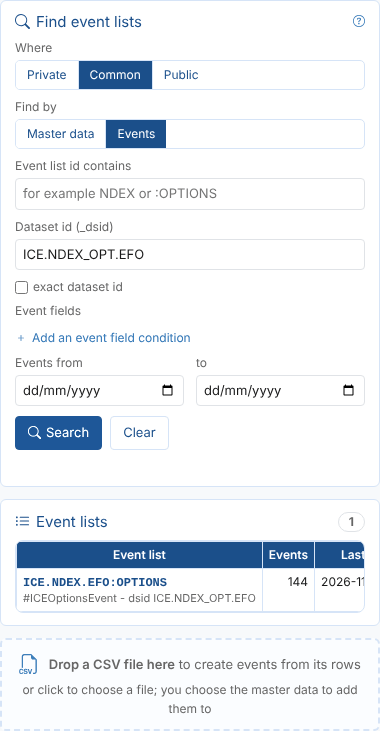
With Find by set to Events, the search looks at the events themselves and lists every event list with matching events. This is the way to find licensed common data, which is usually known by its dataset id rather than by a master data record.
| Field | What it does |
|---|---|
| Event list id contains | Text anywhere in the list id, for example NDEX or :OPTIONS. |
| Dataset id (_dsid) | Text in the dataset id of the events. Use * for any characters, for example ICE.* for every ICE dataset, or tick exact dataset id to match it exactly. |
| Event fields | Conditions on the events' own fields. Select Add an event field condition for each one. |
| Events from and to | Only events with an event time in these days. |
Priya looks for the ICE Endex TTF options. She chooses Common, then Events, and enters the dataset id ICE.NDEX_OPT.EFO. One list matches, with the number of events found and the time of the last one.
Enter at least one of the fields: a search over every event of a source is refused. The first 500 lists are shown; add text or a condition to narrow it down.
The Master Data tab
On the Master Data screen, the Event Data tab shows the event lists on the selected record, with the same five tabs for each list. A CSV file dropped on this tab is added to that record unless you choose otherwise. Public records can be looked at, but not changed.