Project Status insight
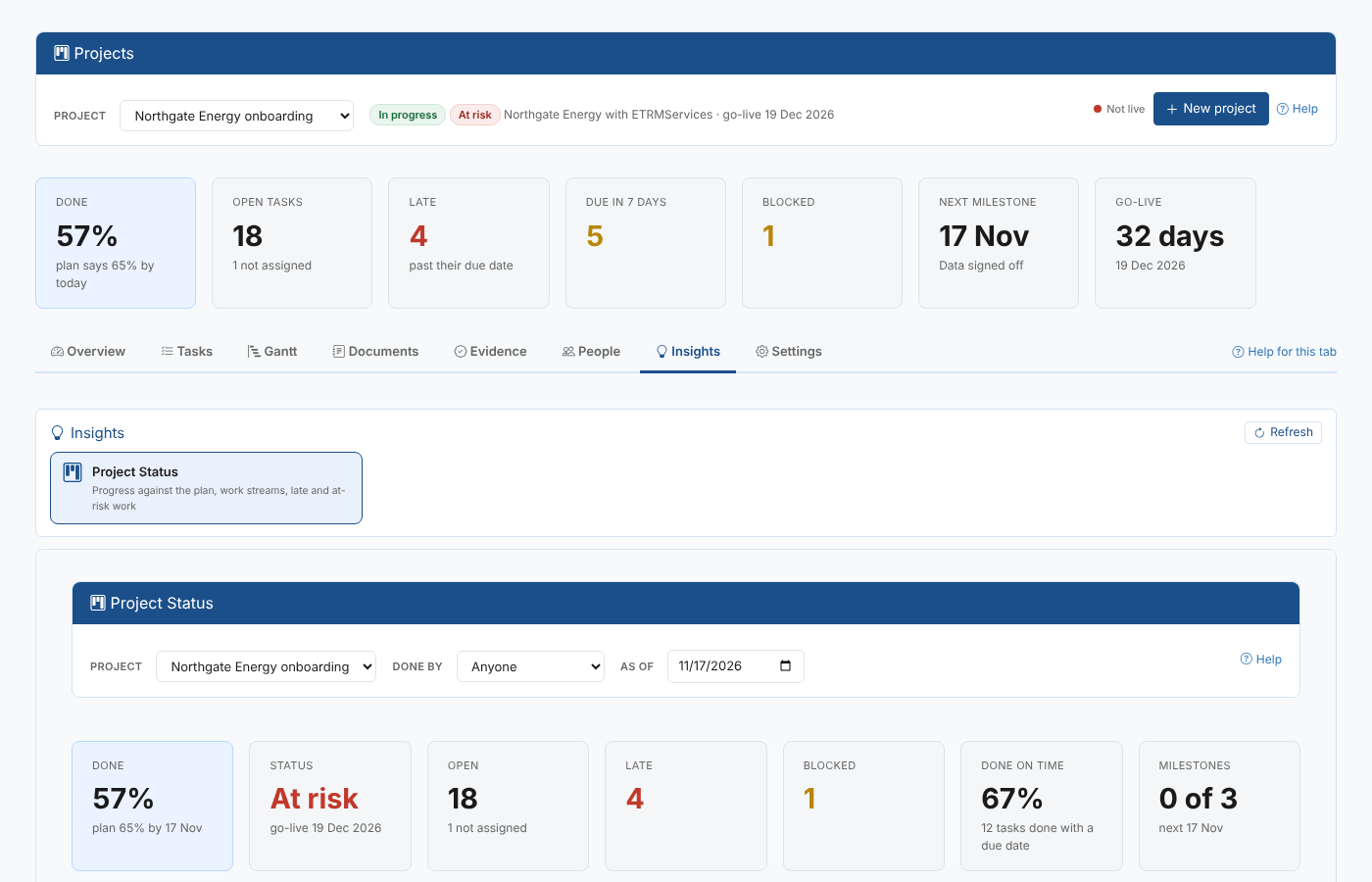
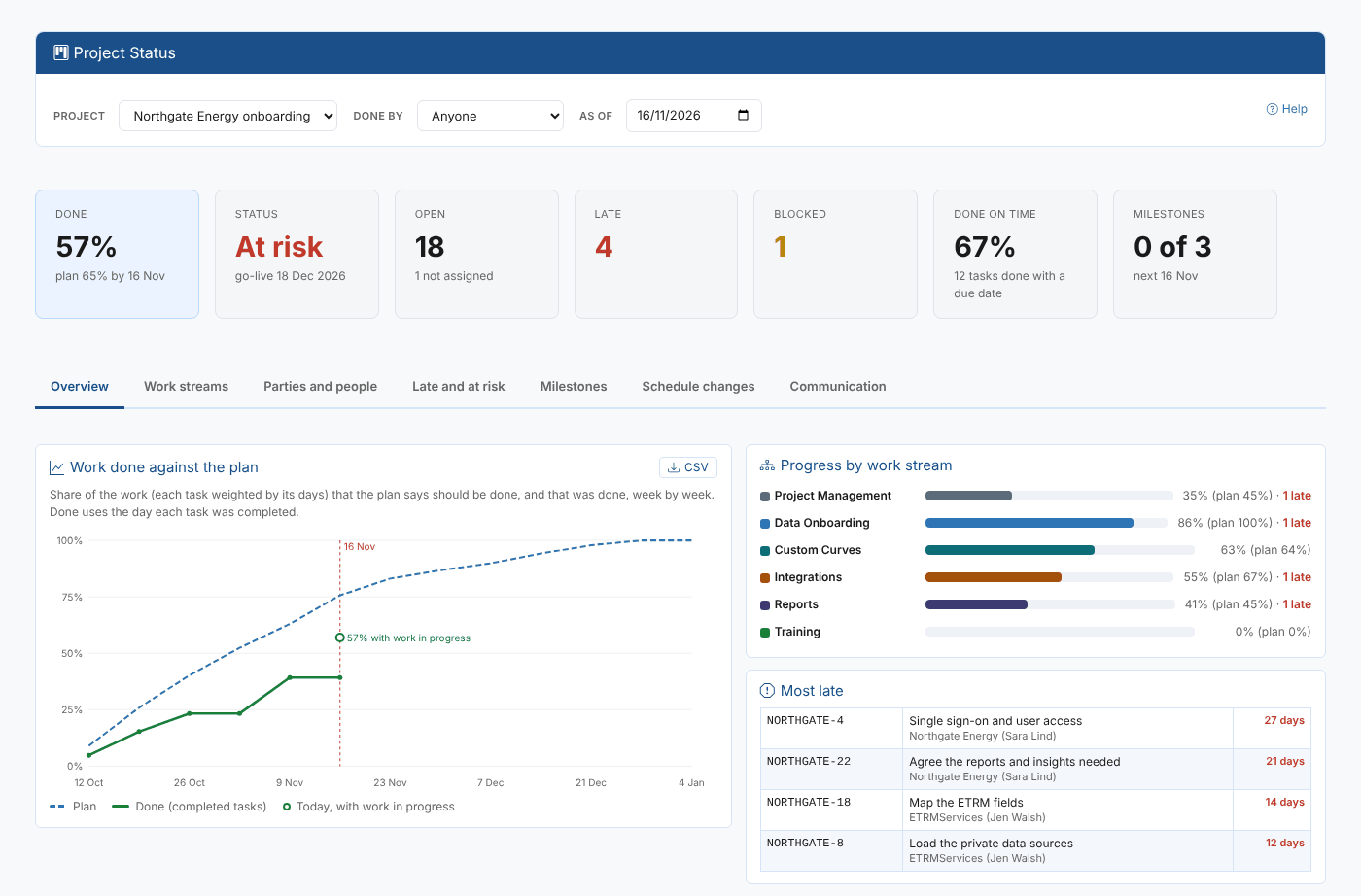
The Project Status insight is a status report for one project, or all of them: progress against the plan, work streams, parties and people, late and at-risk work, milestones and how far they moved, schedule changes, and the communication recorded on the tasks.
Open it on the Insights tab of Manage > Projects. The tab lists the insight reports that come with Projects as cards and runs the one you choose below them, for the project chosen at the top of the screen (or all projects when none is chosen). Choosing another project runs it again for that project; Refresh runs it again with the latest data. Inside the report you can still pick another project, a party or an as-of date.
| Tab | What it shows |
|---|---|
| Overview | The work done against the plan week by week, progress by work stream, and the most late tasks |
| Work streams | Tasks, done, open, late and blocked by work stream, done against plan, and when each one ends |
| Parties and people | By party: late tasks, total days late, the share done on time; by person: open, late, coming up, reminders sent, oldest late task |
| Late and at risk | Late tasks, blocked tasks, tasks waiting for late work, and tasks due soon that are not started or not assigned |
| Milestones | Each milestone's first planned date, its due date now, how many days it moved, and when it was done |
| Evidence and sign-off | The tasks that need evidence: their state (no evidence, evidence provided, rejected, signed off), the evidence attached by kind and what is still to provide, who signs each one off, and who signed off or rejected it and when |
| Schedule changes | The tasks whose due date was moved, how often and by how many days |
| Communication | The emails, calls, meetings, comments and decisions on the tasks, or the reminders, or the changes |
The full description is on the Project Status insight page.