Integration plug-ins
A plug-in teaches the Integration extension how to talk to one downstream system, such as an ETRM, or to one kind of destination, such as a message queue, a storage account or a webhook. It brings the codes the system knows each curve and timeseries by, the settings each group needs, and the ODSL that sends the data in the system's own format. Groups, schedules and the daily report then work the same way for every system.
Pick a plug-in below to see what it needs and how it sends your data. The generic plug-ins (Message queue, Azure Blob Storage, Azure Data Lake, Azure Files, Webhook, Azure Event Grid and Power BI) all send the same content, described in What the generic plug-ins send; add a system on the Integrations screen for each destination of its kind: many systems can send with one plug-in.
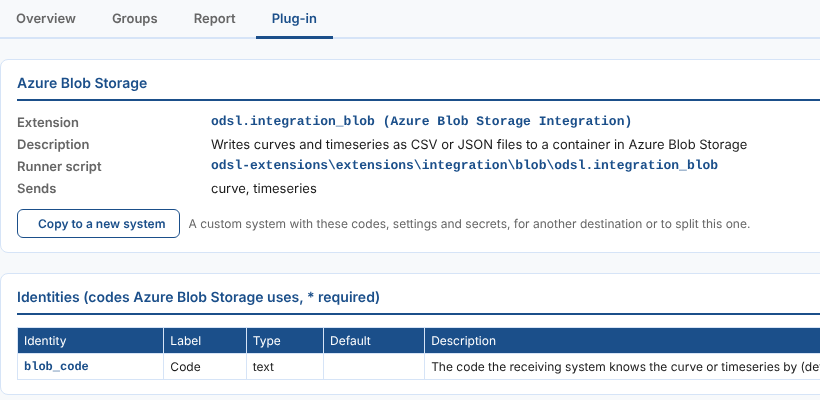
Azure Blob Storage
odsl.integration_blobWrites curves, timeseries and options as CSV or JSON files to a container in Azure Blob Storage
Read the guide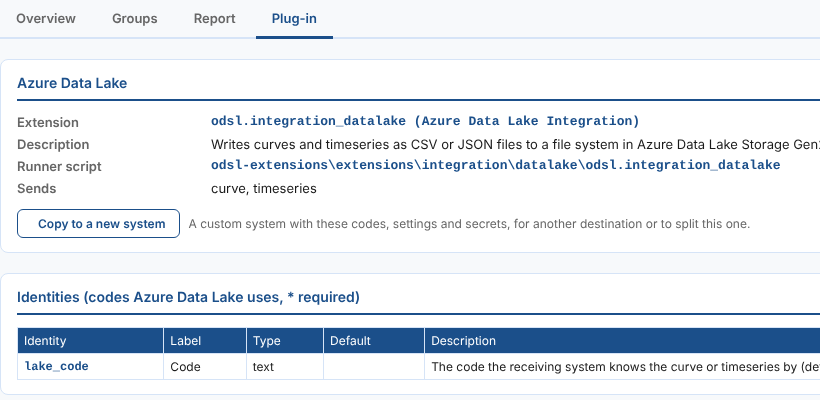
Azure Data Lake
odsl.integration_datalakeWrites curves, timeseries and options as CSV or JSON files to a file system in Azure Data Lake Storage Gen2
Read the guide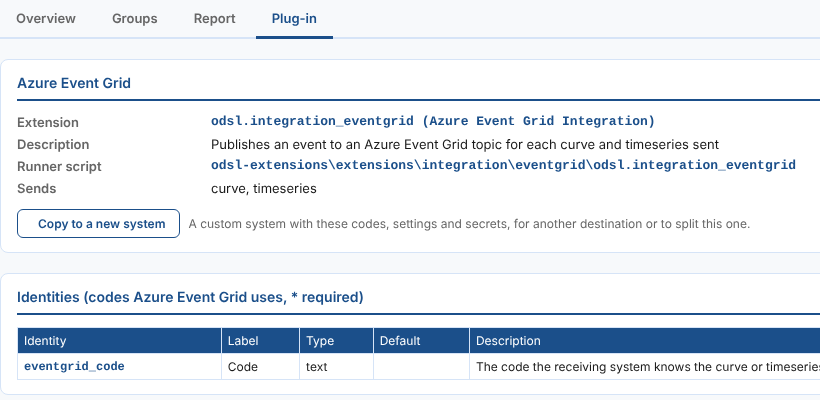
Azure Event Grid
odsl.integration_eventgridPublishes an event to an Azure Event Grid topic for each curve and timeseries sent
Read the guide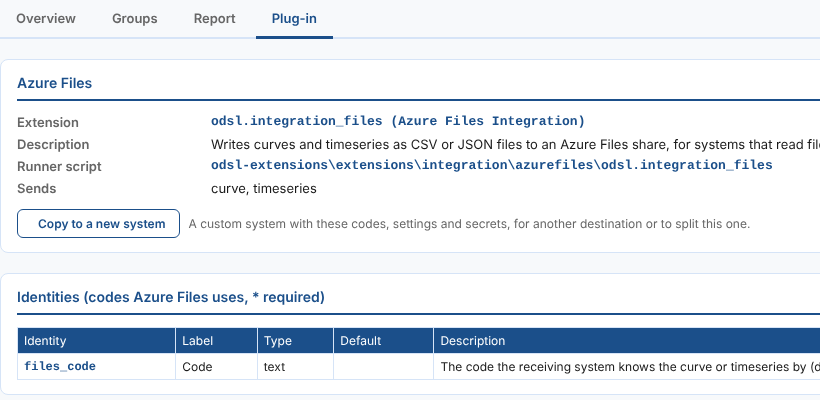
Azure Files
odsl.integration_filesWrites curves, timeseries and options as CSV or JSON files to an Azure Files share, for systems that read files from a network folder
Read the guide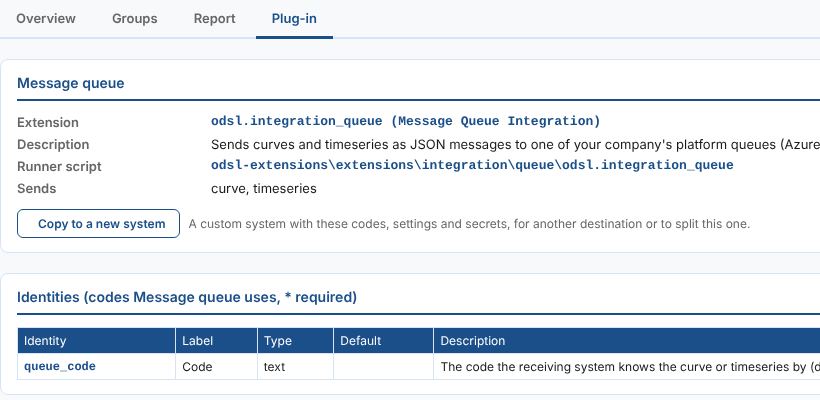
Message queue
odsl.integration_queueSends curves, timeseries and options as JSON messages to one of your company's platform queues (Azure Service Bus), for any system that reads the queue
Read the guide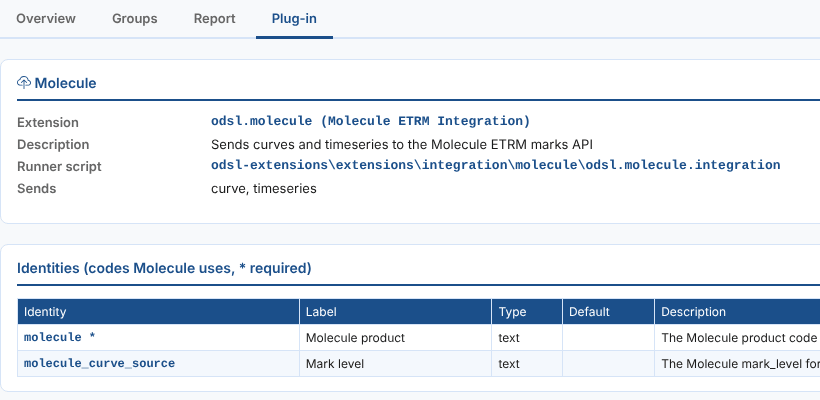
Molecule ETRM
odsl.moleculeSends curves and timeseries to the Molecule ETRM marks API as marks, one per contract or per quarter hour, including clock changes
Read the guide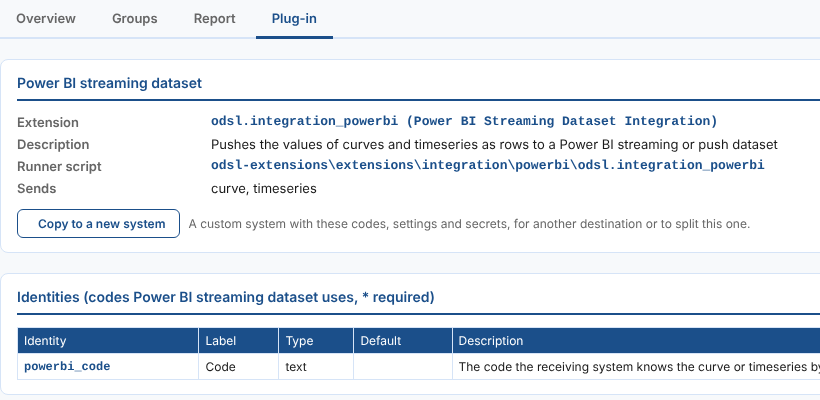
Power BI streaming dataset
odsl.integration_powerbiPushes the values of curves, timeseries and options as rows to a Power BI streaming or push dataset
Read the guide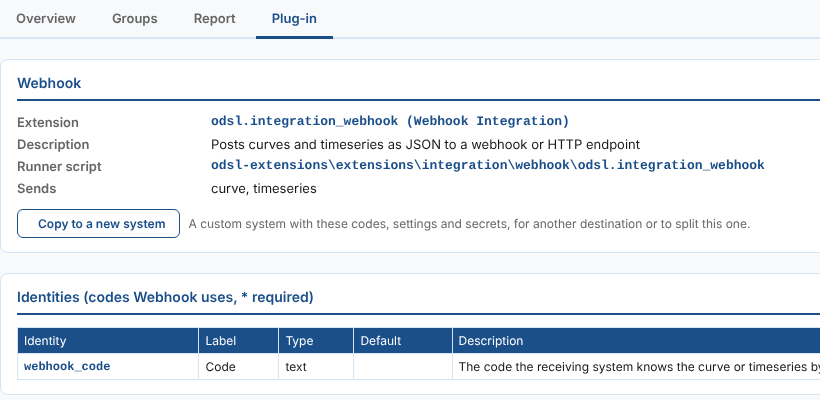
Webhook
odsl.integration_webhookPosts curves, timeseries and options as JSON to a webhook or HTTP endpoint
Read the guideInstalling a plug-in
Open Operations, then Integrations, and select New system: the dialog lists every published plug-in that is not installed yet under Plug-ins you can install. Select Install on the one you want; the dialog then sets up a system that sends with it. The home page lists the plug-ins you can install too.
A plug-in is installed once. Each destination is a system on it, with its own name, code, secrets, groups and daily report, such as one Azure Blob Storage system per container. See Systems.
Installing a plug-in installs the Integration extension as well when it is missing. While a plug-in is installed, the Integration extension cannot be uninstalled. See Getting started for setting up a first group once the plug-in is installed.
What a plug-in brings
| Part | What it is | Where you see it |
|---|---|---|
| Identities | The codes the system knows each curve or timeseries by, such as a Molecule product. | Columns on each group's Items tab. |
| Group settings | What each group sending to the system is asked for, such as a test environment or a timezone. | Each group's Settings tab. |
| Data properties | Settings kept on each curve or timeseries. | Columns on each group's Items tab. |
| Secrets | What the system needs to connect, such as a user and an API key. You set their values; they are kept in the secret store. | The Secrets part of each system's System setup tab, and each group's Settings tab. |
| Runner | The ODSL that turns each item into the system's format and sends it. | The schedule of each group. |
All of a plug-in's codes, settings and secrets are listed on the System setup tab of each system on it.
No plug-in for your system?
- Set it up as a custom system: choose its codes and settings and write the ODSL, starting from a template.
- Design it with Fusion AI: describe the system and answer a few questions.
- Copy a plug-in's ODSL into a custom system, to change how it sends.
- Write a plug-in extension: package a system so it can be installed in any environment, as Molecule is.